
Scan the room
Choose Create a floor plan and move steadily along the perimeter.
Choose Create a floor plan and move steadily along the perimeter.
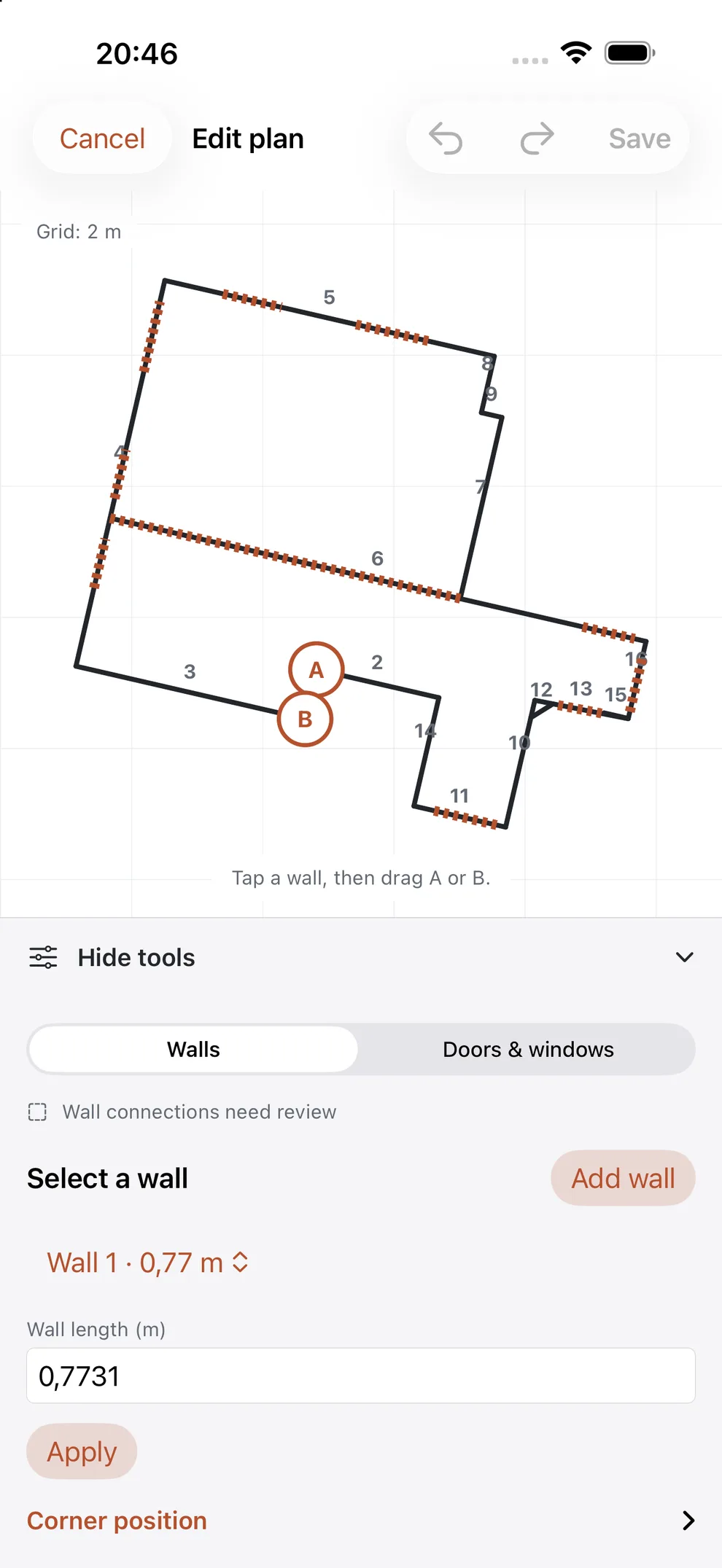
Set wall lengths, move shared corners, and add or adjust doors, windows and openings.
Export a PDF or PNG to send, or a scaled PDF to print.
Send the floor plan or a PDF scan report to a client or colleague.
Scaled PDF at 1:20, 1:50 or 1:100.
The plan's vector linework.
A LiDAR-equipped iPhone running iOS 17 or later: iPhone 12 Pro / Pro Max or a later LiDAR-equipped Pro model.
Dimensions and areas are estimates. Glass, mirrors, lighting and missed surfaces can affect the result, so verify important measurements on site.
One continuous capture can move through connected rooms. Separate scans are not merged or aligned automatically.
Pro once, US$19.99 in the US
iPhone 12 Pro or later Pro with LiDAR · iOS 17+