Scan the space
Walk slowly and show surfaces from more than one angle.
Walk slowly and your iPhone builds a textured model of the room.
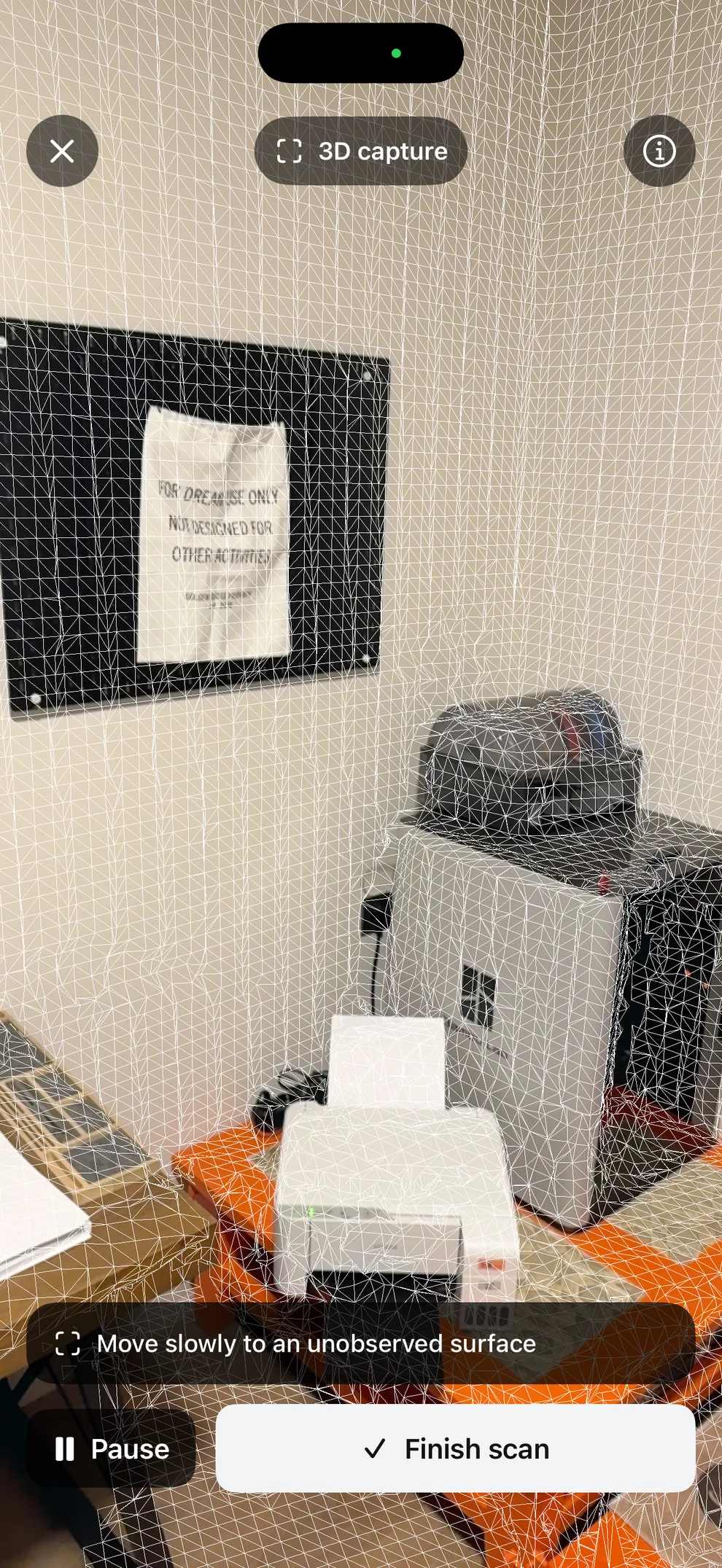
Walk slowly and show surfaces from more than one angle.
Process as Fast, Balanced or High detail.
Orbit, zoom and pan, and switch between textured, shaded and wireframe views.
Free, with or without textures.
With or without textures, with SpaceCraft Pro.
Keep the original photos and depth on your iPhone and process the scan again at another detail level.
A LiDAR-equipped iPhone running iOS 17 or later: iPhone 12 Pro / Pro Max or a later LiDAR-equipped Pro model.
Glass, mirrors and missed surfaces can leave gaps. A denser setting cannot recover surfaces the camera did not see, so move slowly and show surfaces from more than one angle.
Yes, when Keep sources for reprocessing is on. The previous result stays until the new one succeeds, and you can remove the sources later without deleting the model.
Pro once, US$19.99 in the US
iPhone 12 Pro or later Pro with LiDAR · iOS 17+