SpaceCraft for iPhone
Take the room with you.
Scan a space with your iPhone. Bring back an editable floor plan or a textured 3D model for your next project.
LiDAR-equipped iPhone · iOS 17+
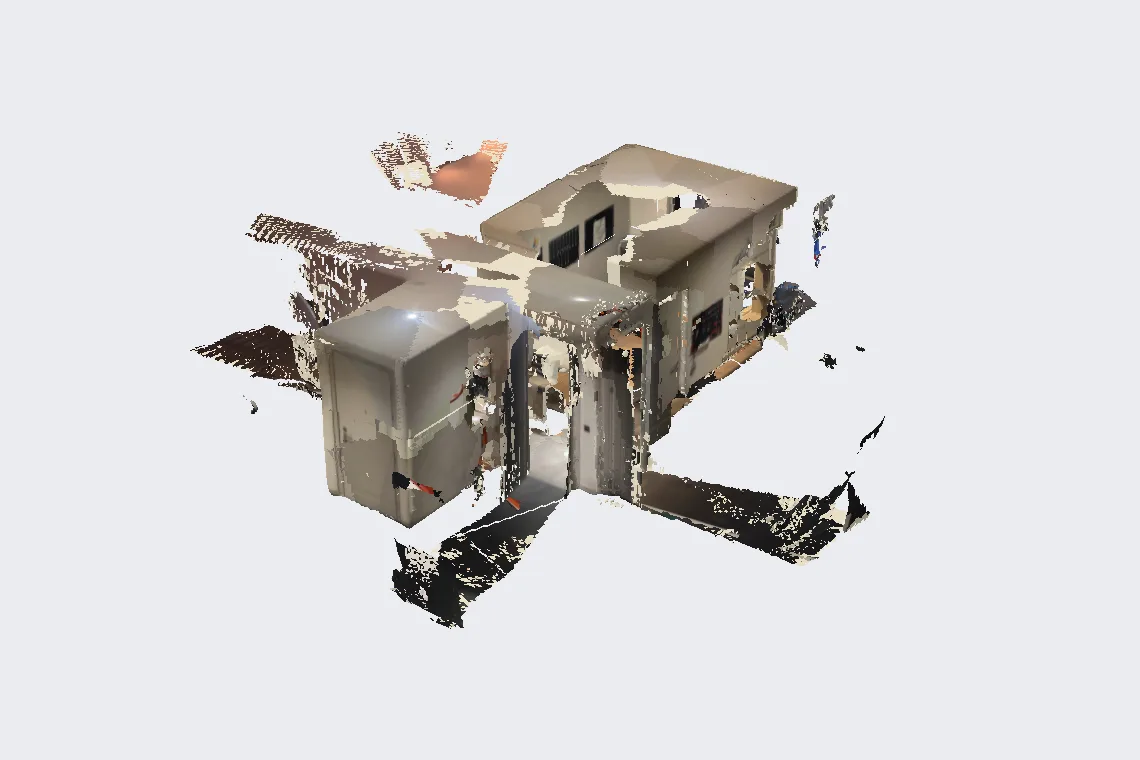
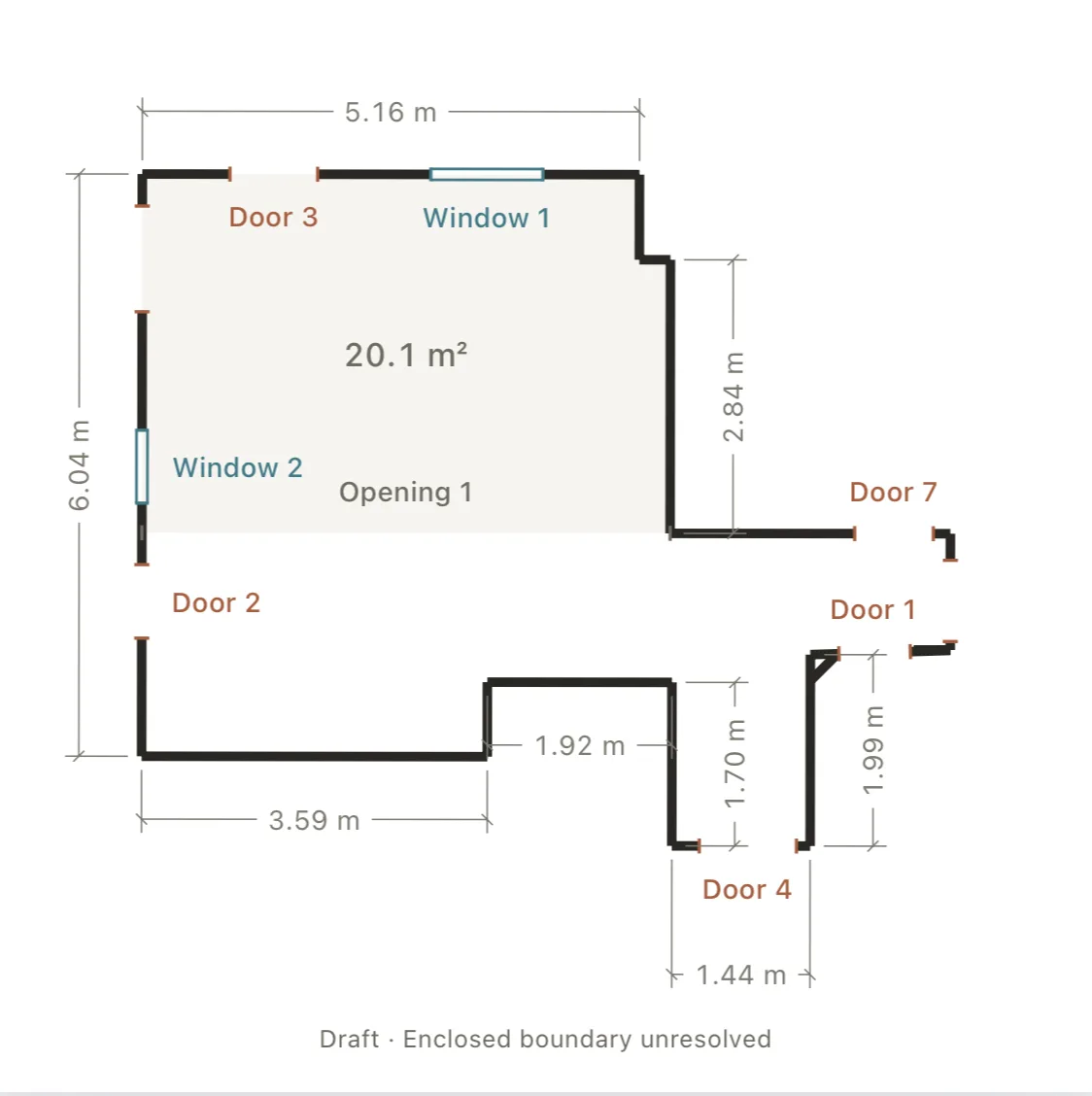
Actual SpaceCraft outputs. Floor plans and textured models are separate captures.
Start with the space.
For a site visit, a renovation or your next design study. Choose the capture that gives you the reference you need.
01 / Floor plans
Make the plan work for you.
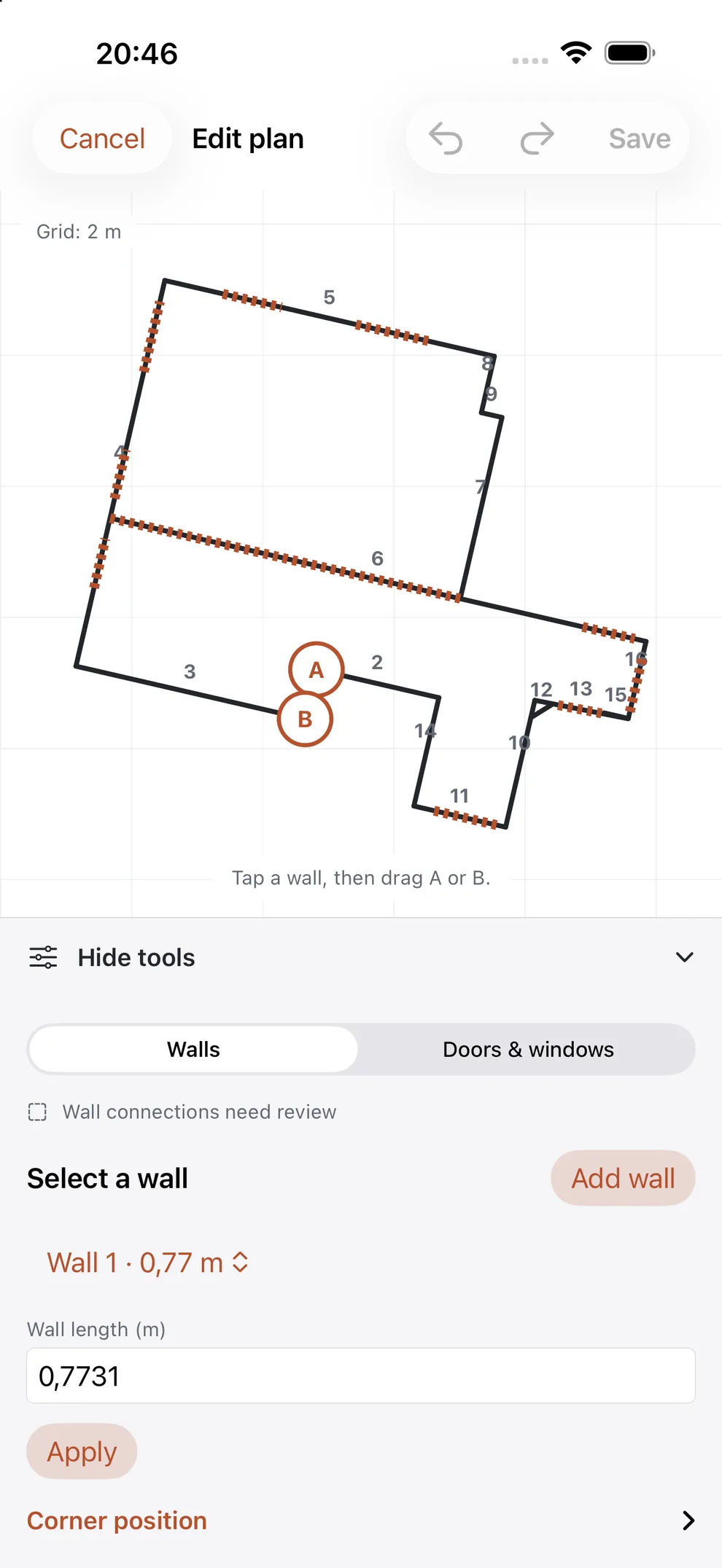
A capture is a starting point. Check the dimensions, correct the connections and turn the outline into a plan you can use.
Walls & corners
Set wall lengths, move shared corners and refine the outline.
Doors & windows
Add an opening, adjust its size and attach it to the right wall.
Room to revise
Undo, redo and save your changes. Keep the original capture.
Metres or feet. Measurements are estimates; verify important dimensions on site.
02 / Textured 3D
The space, from another perspective.
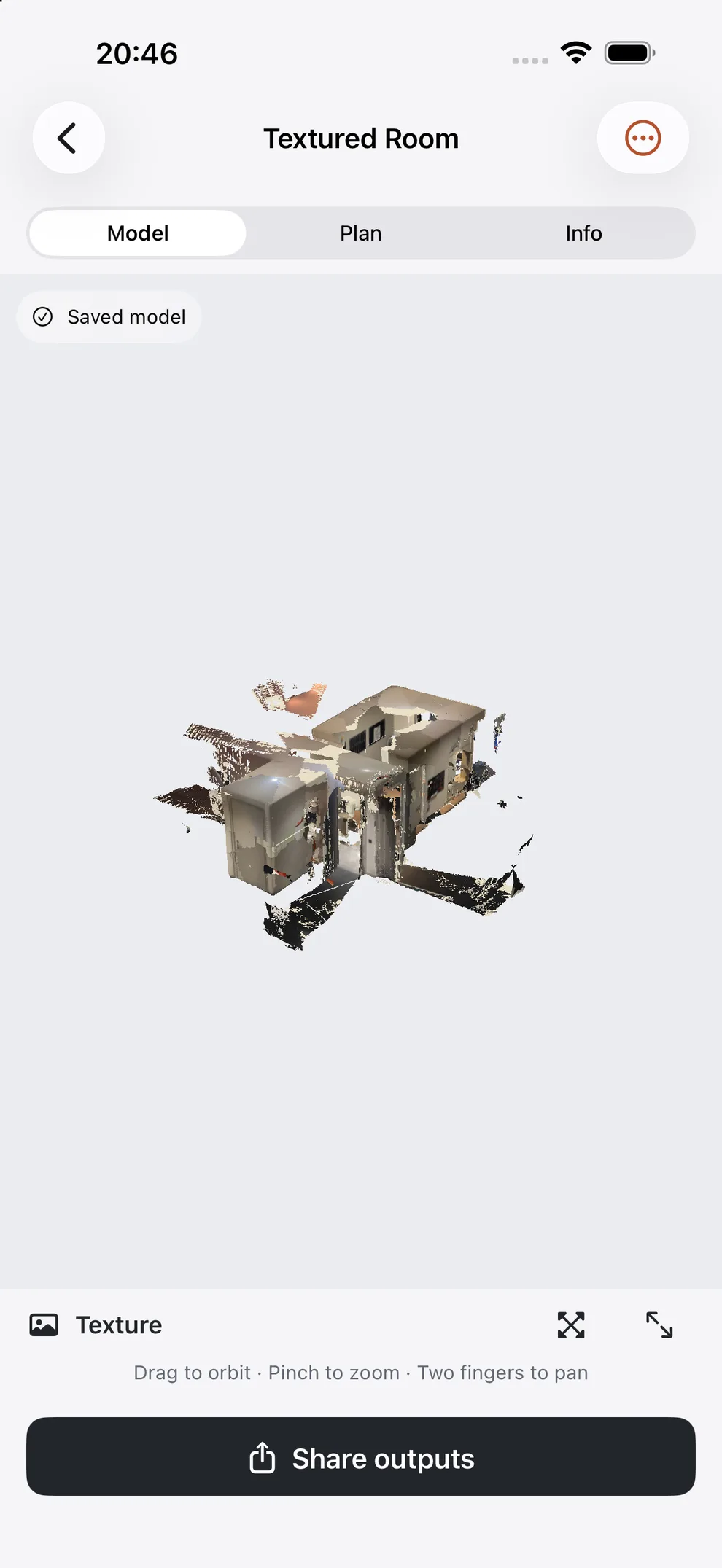
Revisit the surfaces, openings and character of a room. Rotate and zoom on iPhone, then take the model into your 3D workflow.
Glass, mirrors and missed surfaces can leave gaps. This is a captured reference of the space.
Review texture, shape and Mesh in the iPhone app.
Your work keeps moving.
Useful files for the next step. From a quick reference to vector drawings and a project backup you can reopen.
- PDF · PNG
A drawing to share.
Export a plan or scan report. Choose A4/A3 and 1:20, 1:50 or 1:100 for a scaled plan PDF.
- DXF · SVG
Linework for your next tool.
Take the plan's vector linework into your drawing workflow. CAD coordinates use metres.
- .spacecraft
A project to return to.
Keep a separate backup, optionally including retained sources. Import creates a separate project.
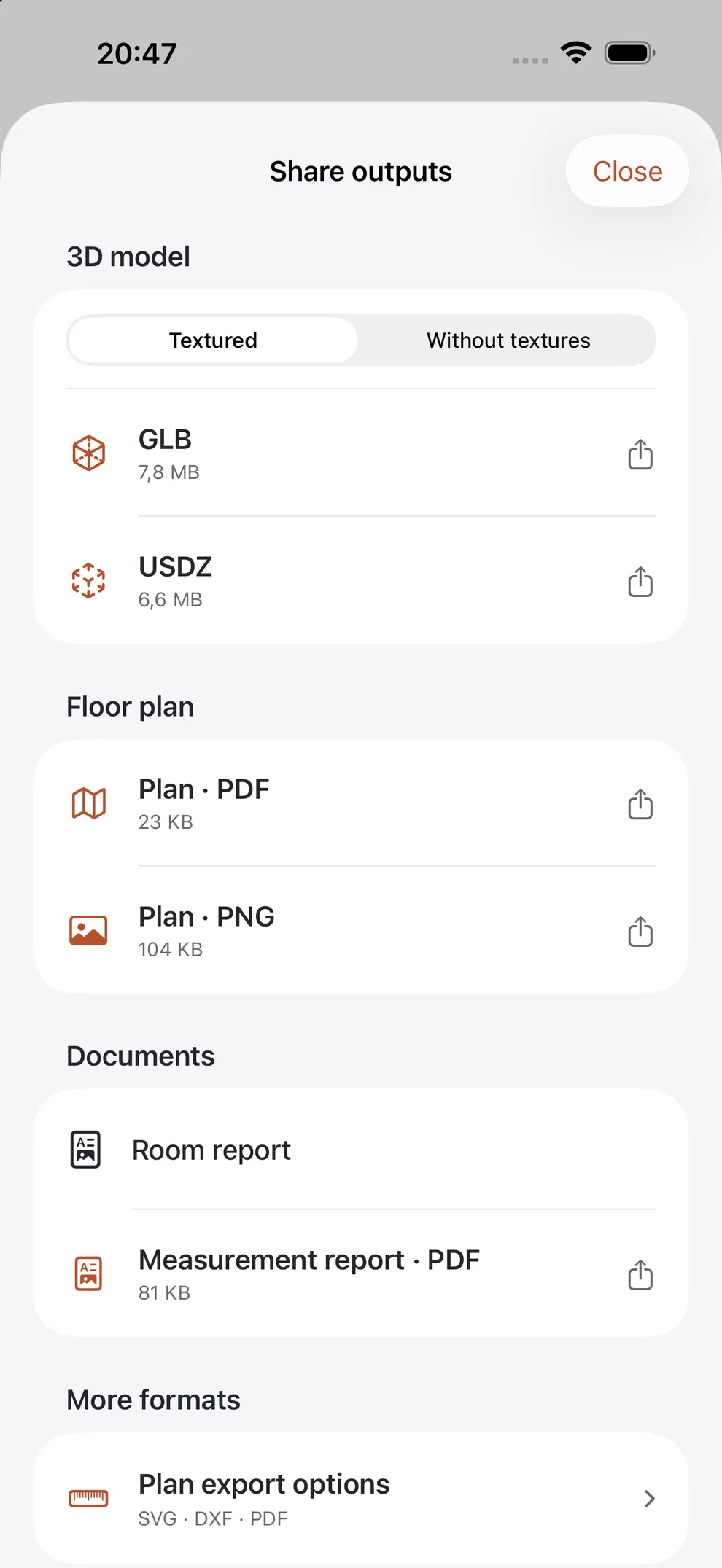
Available exports depend on your capture. Print scaled PDFs at 100% and check the scale before use.
Your projects
A place for every space.
Keep scans, notes and saved versions together. Find the project you need and pick up where you left off.
Captured and processed on iPhone.
Projects stay local. The optional private iCloud viewing library is off by default; it does not include retained sources or version history. You choose where exports and full backups go.
Privacy at SpaceCraft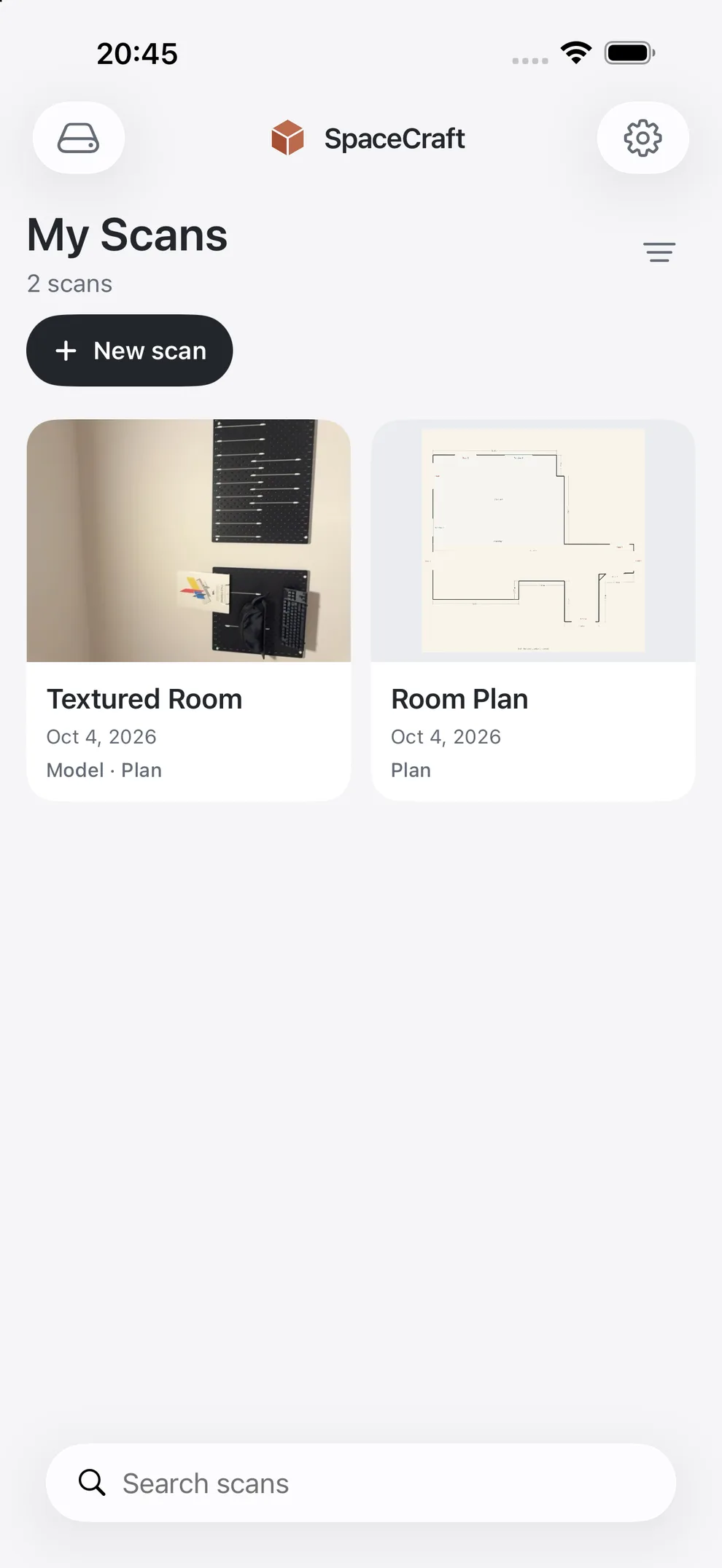
Preparing for release
For your next site visit.
Floor plans, textured 3D and your own project files. The first iPhone release is free, with no in-app purchases.
LiDAR-equipped iPhone · iOS 17+
Before you scan.
A few things to know about your device, your files and the capture.
Visit the support guideWhich iPhone do I need?
A LiDAR-equipped iPhone with iOS 17 or later: iPhone 12 Pro / Pro Max or a later LiDAR-equipped Pro model.
Is SpaceCraft free?
The first iPhone release is free, with no in-app purchases. Public App Store availability is shown on the release page.
Does one scan create both outputs?
Floor plans and textured 3D models use separate captures. You can add a floor-plan pass to a model project; the two captures are not automatically aligned.
How accurate are the measurements?
Dimensions and areas are estimates. Glass, mirrors, lighting and missing surfaces can affect capture. Check important dimensions on site before construction or ordering materials.
Which files can I take with me?
Plans export as PDF, PNG, SVG and DXF; available models as GLB or USDZ. You can also export a scan report and a .spacecraft project backup. A plan-only project has no textured model.