Scan the space
Choose Scan a 3D model and move slowly.
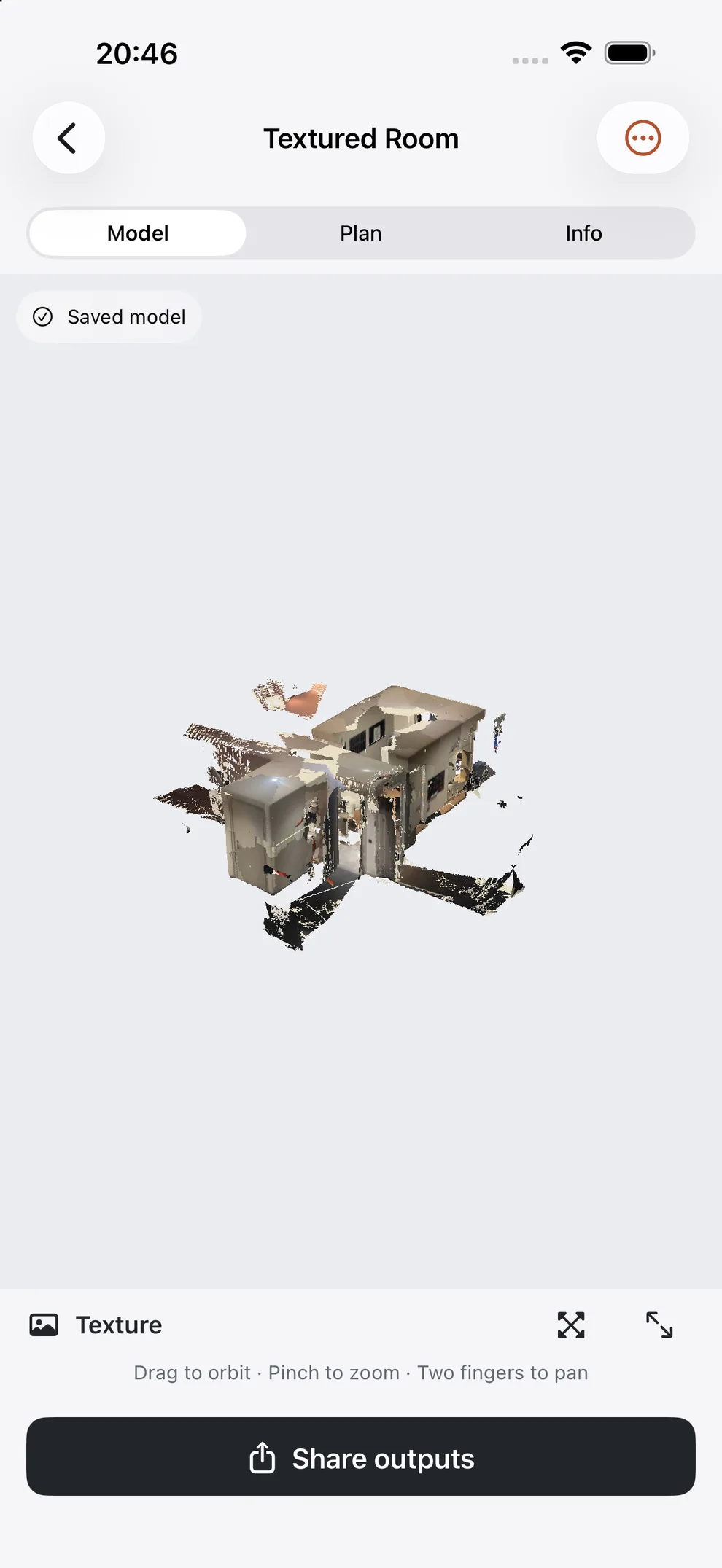
Choose Scan a 3D model and move slowly.
Switch between textured, shaded and wireframe views and check the result on your iPhone.
Share the model as GLB or USDZ, with or without textures.
Share available models with or without textures.
Keep the model in the format Apple devices open directly.
Save a project backup and import it later as a separate project.
A LiDAR-equipped iPhone running iOS 17 or later: iPhone 12 Pro / Pro Max or a later LiDAR-equipped Pro model.
No. Floor plans and textured 3D models use separate captures. You can add a floor-plan pass to a model project; their coordinates are not automatically aligned.
Glass, mirrors and missed surfaces can leave gaps. Move slowly and show surfaces from more than one angle.
Pro once, US$19.99 in the US
iPhone 12 Pro or later Pro with LiDAR · iOS 17+